
dlc · Steam #1342820
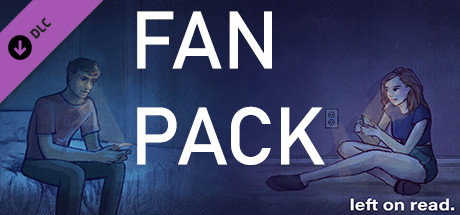
Left on Read Fan Pack
Nov 30, 2020 · Weston Bell-Geddes
About the game
A closer look.
Left on Read Fan Pack : with four high quality wallpapers so you can be crushed by reality every time you turn on your computer! To find them: 1. Open Steam, go to the Library tab, and right-click on Left on Read in your game list. 2. Select Properties and click the "Local Files" tab. 3. Click "Browse Local Files...". 4. Open the "Wallpapers" folder.
From the game

Player activity
Player history.
Loading sampled player observations…
Summer DB community
Your experience belongs here.
One rating per account. Edit or remove yours at any time. Summer’s own games follow the same rules.
Checking your Summer account…